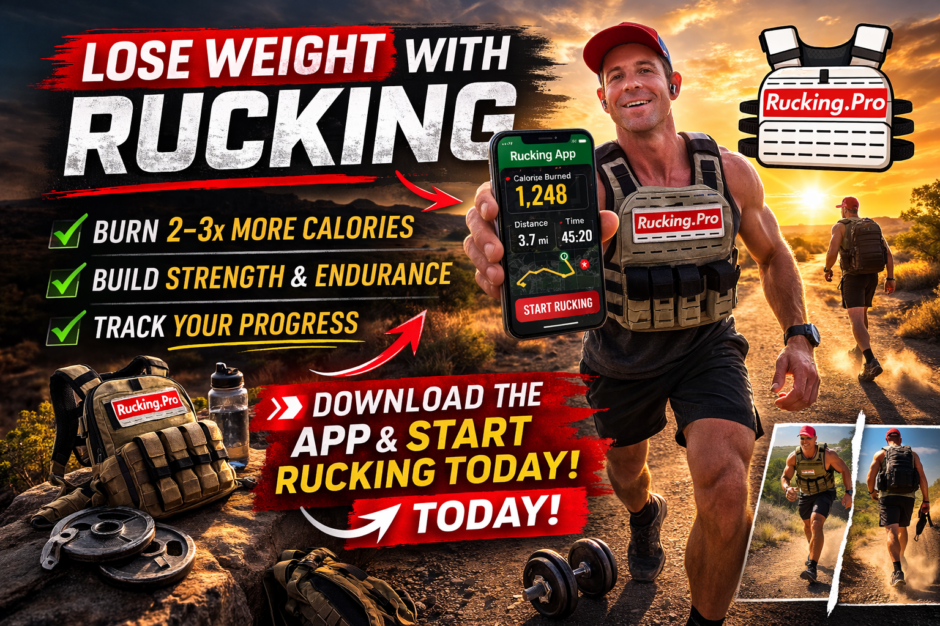
Walking with a weighted vest adds work to a familiar movement. This weighted vest calorie calculator estimates that work using your body weight, carried weight, distance, effort level, and carry style. Use it to compare routes and loads, then build a routine you can actually repeat.
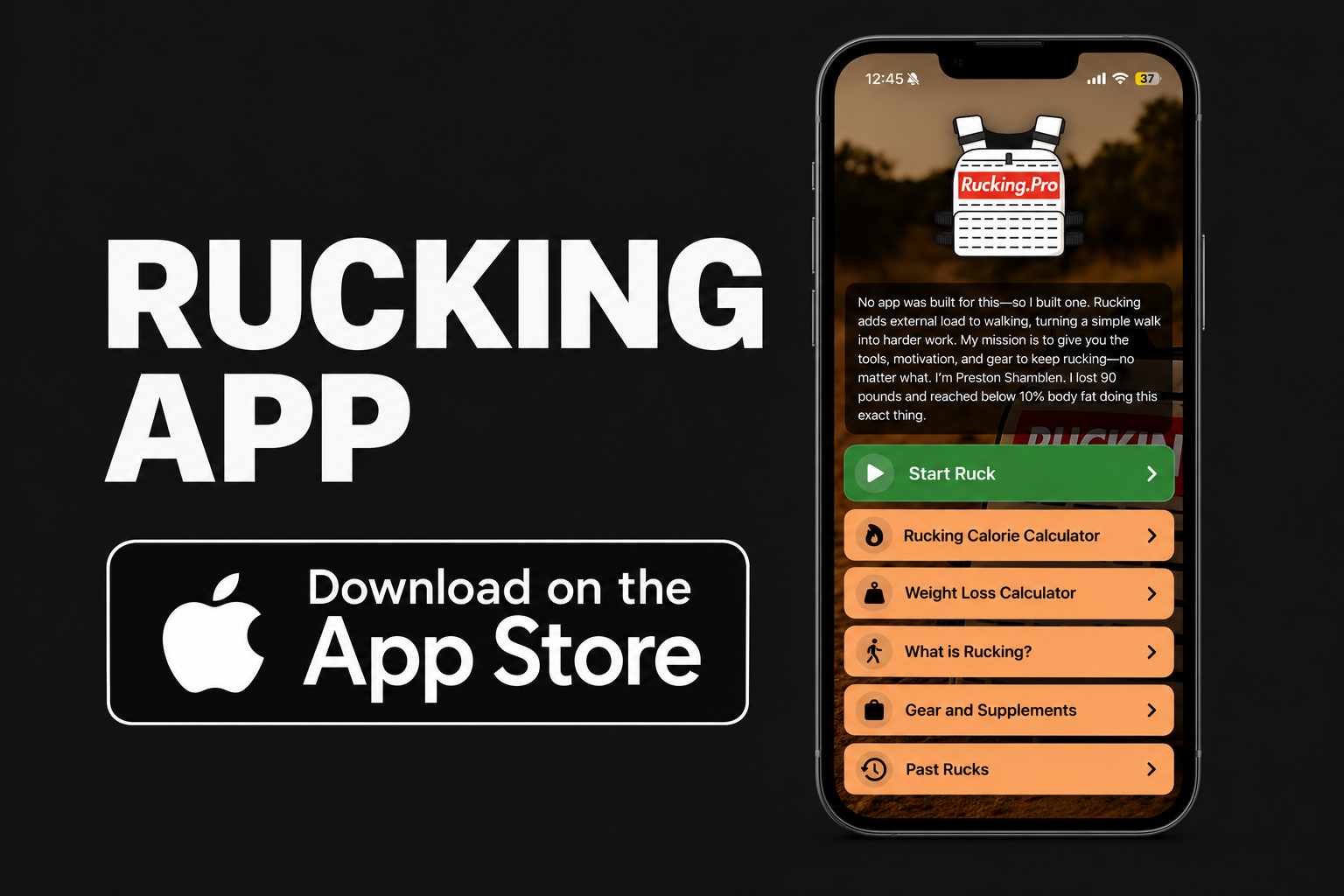
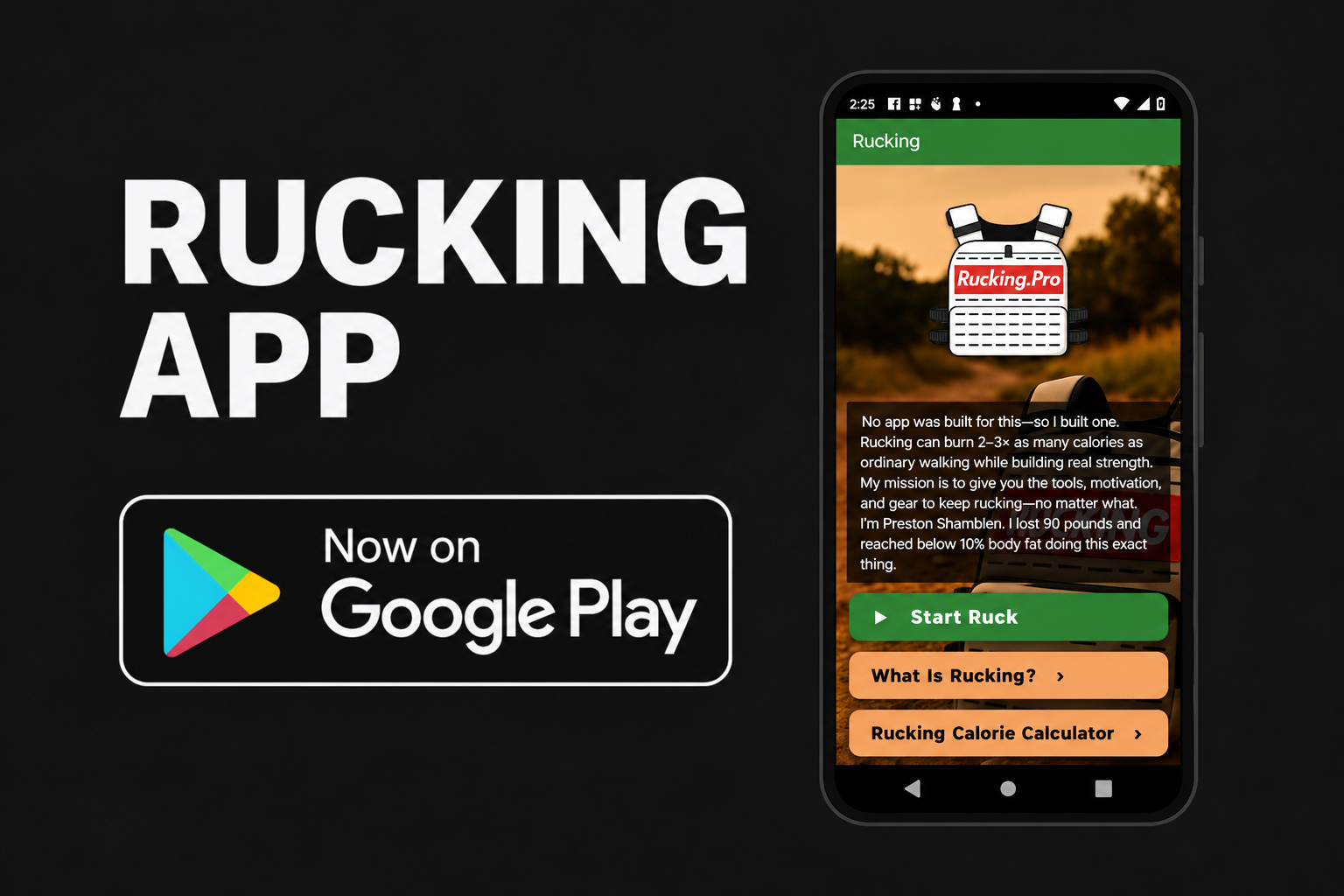
Want to track the walk while you do it? The Rucking apps now go beyond manual calculations: tap Start Ruck, walk with your vest or backpack, and follow GPS distance, time, pace, and estimated calories on your phone.
How to use it · Calorie examples · App features · Common questions
Weighted vest calorie calculator
Select Vest under Pack Type. Enter body weight and your complete vest weight in pounds, then enter the distance in miles. The estimate updates as you change the inputs.
If the embedded tool does not load, open the Rucking Calorie Calculator page or open the calculator directly.
How to calculate calories burned walking with a weighted vest
- Enter your current body weight. Keep it updated as your weight changes. If you use kilograms, multiply by 2.205 to enter pounds.
- Weigh the loaded vest. Include the carrier and its plates or inserts. A pair of 10 lb plates plus the carrier weighs more than 20 lb.
- Enter the distance you actually walk. Use miles here. Divide kilometers by 1.609 to convert. GPS tracking in the apps helps you record the route instead of guessing.
- Select a reasonable effort setting. Normal Pace uses a 1.0 multiplier; High Effort uses 1.3; Max Effort uses 1.5. These are broad presets. A brief hill does not make an entire walk maximum effort.
- Choose Vest. Choose Backpack when carrying your weight in a rucksack. Compare sessions using the same settings unless the workout really changes.
The most useful comparison is often your own repeatable route: same distance, similar weather, similar effort, and a known load. Keep a record of time and how you feel afterward, too. A higher calorie estimate alone does not prove better fitness.
How many extra calories does a 10, 20, or 30 lb vest add?
Here is what this calculator’s formula returns for a 180 lb person walking 3 miles with Vest selected and effort set to 1.0. These are model examples, not measured burns or recommended starting loads.
| Added vest load | Estimated session calories | Modeled increase over no load |
|---|---|---|
| 0 lb | 308 kcal | Baseline |
| 10 lb | 345 kcal | 37 kcal |
| 20 lb | 382 kcal | 74 kcal |
| 30 lb | 419 kcal | 111 kcal |
The important distinction: the 20 lb example returns about 382 calories for the session, with about 74 of those attributable to the added load within this model. It does not mean the vest adds 382 calories on top of your ordinary walk.
There is no universal “double” or “triple” calorie bonus from putting on a vest. Load, speed, incline, fit, and individual movement all affect the result. Adding more weight can also slow you down or shorten the distance you can comfortably complete.
How the formula works—and where it has limits
Estimated kcal = miles × (body weight in lb × 0.57 + carried weight in lb × 1.23) × effort × carry modifier
Vest uses a carry modifier of 1.0. Backpack uses 1.07. The backpack setting therefore produces a 7% higher result with otherwise identical inputs. That 7% is an assumption in this calculator, not a universal measured difference between every backpack and vest.
This web formula does not directly use elapsed time, exact walking speed, measured slope, heart rate, or individual fitness. Its effort presets cannot describe every route. It also does not separately calculate resting calories during the session, so avoid treating the output as a precise active-versus-total calorie measurement.
Research supports accounting for added load. A 2024 study of weighted-vest walking developed and tested a vest-specific term for the Army’s Load Carriage Decision Aid model. That research model is different from the simplified formula on this page; it does not validate these particular coefficients or presets.
Track weighted vest walks with the iPhone and Android apps
You can still enter a completed walk manually. But the updated apps also let you start and stop a live workout, so your walk becomes a recorded session rather than a distance you have to remember later.
iPhone: Rucking Calorie Calculator

With permission, save completed workouts to Apple Health. You can also calculate a completed session manually and save it afterward.
Android: Rucking

With permission and a compatible setup, read relevant health data and save completed workouts to Health Connect.
What both apps track
- GPS distance, elapsed time, and average pace.
- Live calorie estimates using your selected load and carry type.
- Elevation gain and background tracking with the screen locked.
- Optional health integration and available heart-rate data to help estimate effort.
- Calorie and weight-loss calculators for planning between workouts.
Heart-rate features need permission and a compatible data source; your phone alone does not provide continuous heart-rate measurements. If heart-rate data is unavailable, use a selected effort level. GPS and elevation readings also have limits, especially around buildings, trees, or poor satellite reception.
The iPhone app also offers an Apple Watch companion, workout history with route maps, and Lock Screen progress. Keep the paired iPhone with you for GPS tracking and connected Watch controls.
Explore the Rucking app
Watch the app walkthrough
Weighted vest vs. backpack: choose what fits your training
A vest can distribute weight around your torso; a backpack carries it behind you. Fit, load position, and your ability to move comfortably matter more than chasing the calculator’s carry modifier.
Pick a vest if you prefer its fit for walking and do not need much storage. Pick a backpack if you want room for water and trail essentials. Neither setup automatically reduces joint stress, and neither is the right choice for every person.
A vest Preston uses is the Wolf Tactical Adjustable Weighted Vest. Check sizing and whether plates are included before buying. Already have a comfortable setup? Use it before spending money on another one. #WolfTactical
As an Amazon Associate I earn from qualifying purchases.
Use the estimate to build a routine, not chase a bigger number
Start with a load and distance you can carry while walking normally. An example of a manageable first session is a short, easy walk on a flat route with a light load—or no added load while you establish a baseline. Your starting point depends on your current capacity.
When that feels comfortable and recovery is good, change one thing: distance, pace, or load. Avoid increasing all three at once. Do not copy the calculator’s default 50 lb load simply because it appears in the form.
Stop and reassess if the vest causes pain, changes your gait, or restricts breathing. If you have a condition that affects exercise tolerance or balance, get individual guidance before adding load.
Can weighted vest walking help with weight loss?
It can contribute to your activity routine, but weight loss still depends on your overall energy balance and consistency. A calorie estimate is a planning input, not a promise about how quickly body fat will change.
Use the Rucking Weight Loss Calculator to explore scenarios. Avoid adding the same walk twice if your daily activity estimate already includes it, and compare your plan with your weight trend over several weeks.
Rucking.Pro founder Preston Shamblen, an ISSA-certified personal trainer, lost 90 lb through rucking, weighted-vest training, strength work, and disciplined nutrition. He still recommends weighted vests as a practical way to keep activity consistent and support weight maintenance. That experience reflects a sustained routine, not a guaranteed result from one tool.
Weighted vest calorie calculator FAQ
Is a weighted vest walk rucking?
Both involve walking with added load. Traditional rucking usually uses a backpack, while weighted walking can use a vest. The calculator supports both carry styles.
Can I use this for treadmill walking?
Yes, enter the treadmill distance and your vest load. Incline is represented only approximately through the effort setting; this tool does not calculate directly from treadmill grade or speed.
Can I calculate a 30-minute weighted vest walk?
Measure how far you walk in those 30 minutes, then enter that distance. Duration alone is not an input in this web calculator. The apps track both time and GPS distance for outdoor sessions.
Why does my watch show a different number?
Your watch may use different inputs and may report active or total calories. It may also respond to heart rate without having a direct field for carried weight. Different estimates do not establish that either one is exact. Compare like-for-like values and avoid logging duplicate workouts.
Does this formula work for running, Murph, or lifting?
This guide focuses on loaded walking. Running, pull-ups, squats, and mixed workouts have different energy demands. Do not apply a walking-distance estimate to an entire mixed session.
Do I need the app to use the calculator?
No. The web calculator is available in your browser. Use an app when you want live tracking and optional health integration.
Pick your route. Set your load. Do the work. Use the estimate to compare sessions, then judge progress by what you can repeat.
Rucking Calorie Calculator — iPhone App Store
Rucking — Android Google Play
Rucking Calorie Calculator — web
Rucking Weight Loss Calculator — web
Updated October 4, 2026. App features checked against the App Store listing and Google Play listing.








I love “no gym required!” Thanks for posting! “The” Trainer Outdoor Training Specialist /Consultant