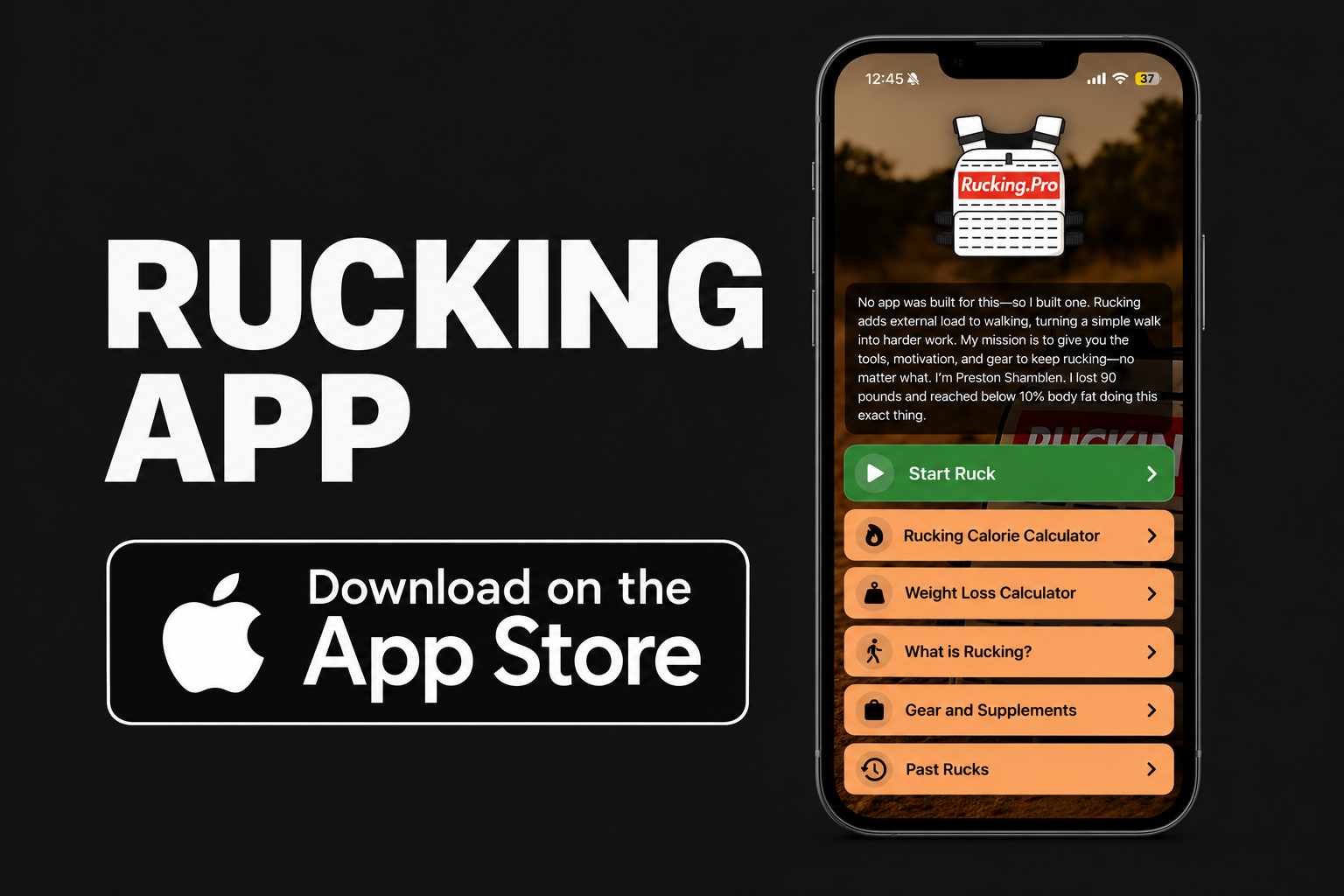
The Rucking Calorie Calculator is live on iPhone. And the Android app has grown up, too. Both are now built around the thing I wanted from day one: put on a pack or weighted vest, tap Start Ruck, and track the workout while you do it.
This is more than the original calculator. You can follow your distance, pace, elevation gain, elapsed time, and estimated calorie burn as you move. The app knows how much weight you are carrying, whether it is in a backpack or a vest.

Download for iPhone Download for Android
What Both Rucking Apps Do Now
- Live GPS ruck tracking: start a workout and follow your distance, elapsed time, average pace, and elevation gain. Tracking can continue while your phone screen is locked.
- Live calorie estimates: see an estimate update during the ruck based on your body weight, carried weight, and workout effort. Choose a backpack or weighted vest.
- Optional heart-rate data: when permission and data are available, heart rate can help estimate your effort. If it is unavailable, you can select an effort level yourself.
- Manual calorie calculator: forgot to tap Start Ruck? Enter the workout details afterward. The manual calculator does not require a GPS route.
- Weight-loss calculator: explore how your rucking routine could fit a longer-term goal.
- Health integration: with your permission, save completed rucks to Apple Health on iPhone or Health Connect on Android. Health access is optional.
GPS is needed to record a live route. The calorie numbers are estimates, not a lab measurement. But if you carry weight, it makes sense to include that load instead of logging every ruck like an ordinary walk.
Extra iPhone Features
The current iPhone release also adds an Apple Watch companion for starting and stopping a ruck, adjusting pack weight, and checking progress. Keep your paired iPhone with you for GPS tracking and connected Watch controls.
You can follow a ruck through Lock Screen Live Activities, hear optional mile announcements, review past workouts with route maps and detailed stats, and share a completed ruck summary. Apple Health can supply body weight and available heart-rate data with your permission.
Android Is a Workout Tracker Now, Too
If you downloaded Rucking when it was just a calculator, give it another look. The Android version now has Start Ruck, live GPS distance and pace, elevation gain, estimated calories, background tracking, and optional Health Connect support. The core tracking and calculators are available on both platforms.

Why I Built This
I’m Preston Shamblen, an ISSA-certified personal trainer. I lost 90 pounds through rucking, weighted-vest training, strength work, and disciplined nutrition. A big part of that work was carrying weight on walks, but my watch treated them like regular walks. I wanted a tool where the load was part of the calculation.
The first version answered one question: How many calories did that ruck probably burn? Now I can hit Start Ruck, get outside, follow the workout, and save it when I’m done. That’s the app I wanted to use myself.
Start the ruck. Do the work. Track the miles.
Get the App
- iPhone: Rucking Calorie Calculator on the App Store
- Android: Rucking on Google Play
Want to run the numbers on the web first? Try the free Rucking Calorie Calculator and Rucking Weight Loss Calculator.
Used either app on a real ruck? Tell me what works and what needs fixing at [email protected]. I build this for people who actually carry the weight.