Rucking App for iPhone and Android
Put on the weight. Hit Start Ruck. Get moving.
Track loaded walks with GPS, live calorie estimates, distance, pace, and elevation gain. Choose a backpack or weighted vest, then see the work you put in. The app also includes manual calorie and weight-loss calculators for planning beyond the trail.
Free to download. No account or ads.

Rucking on iPhone
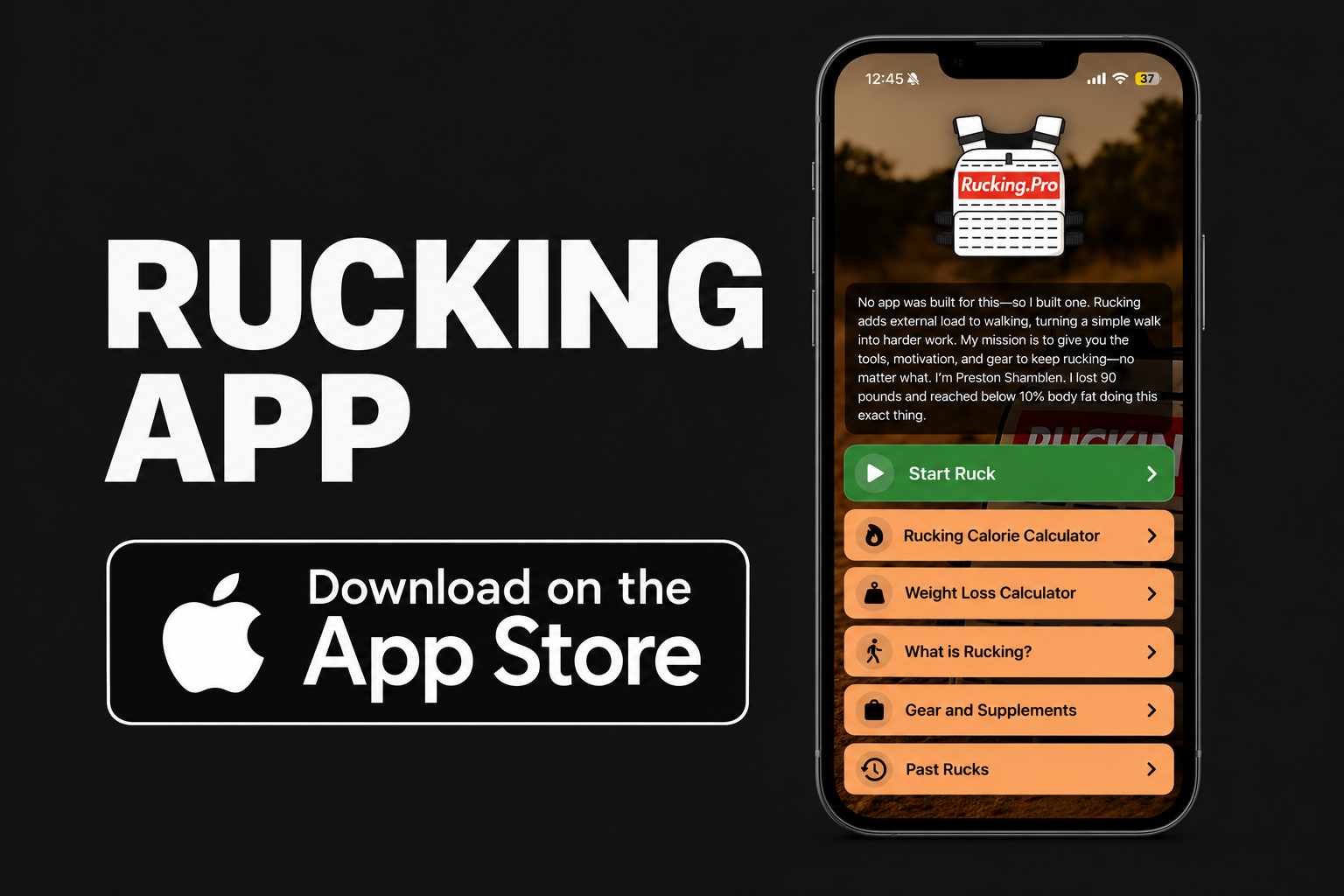
Rucking Calorie Calculator tracks your rucks live and connects with Apple Health when you give permission.
Download on the App Store
Rucking on Android
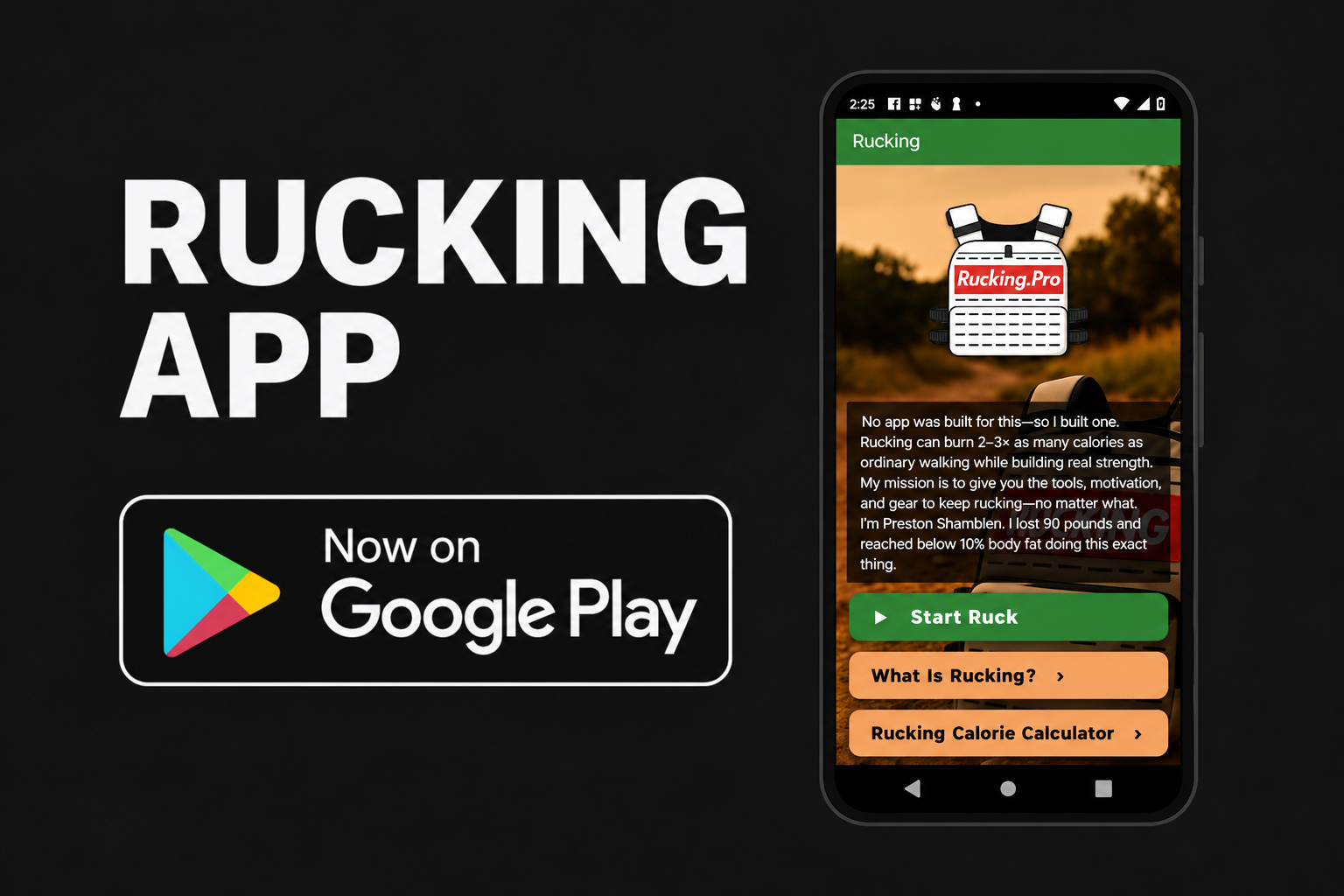
Rucking tracks your rucks live and connects with Health Connect when you give permission.
Get it on Google PlayWhat the Apps Do
- Track a ruck live: tap Start Ruck to follow GPS distance, elapsed time, average pace, elevation gain, and estimated calories. Tracking can continue with the phone screen locked.
- Count the weight you carry: enter your body weight and load, then choose backpack or weighted vest. Available heart-rate data can help estimate effort; you can also choose an effort level yourself.
- Calculate a workout manually: estimate calories from your distance, load, and effort if you forgot to start tracking or do not want to use GPS.
- Plan for weight loss: use the built-in weight-loss calculator to explore how a rucking routine might fit your goal.
- Save your work: with permission, save completed rucks to Apple Health on iPhone or Health Connect on Android. Health access is optional.
On iPhone: the app also has an Apple Watch companion, Lock Screen Live Activities, workout history with route maps, workout sharing, and optional spoken mile announcements. Keep your paired iPhone with you for GPS tracking and connected Watch controls.
GPS is for live route tracking. You can still use the manual calculators without recording a GPS route. Calorie figures are estimates, and heart-rate features depend on permission and available data.
Why I Built It
Most walking trackers do not know whether you are carrying a 20, 40, or 50 lb load. I wanted a way to record my rucks and estimate the effort with that weight in the picture.
I’m Preston Shamblen, an ISSA-certified personal trainer. I lost 90 pounds through rucking, weighted-vest training, strength work, and disciplined nutrition. I started with a calculator because I wanted better numbers for loaded walks. Now the app lets you start a ruck, follow it live, and save the workout when you’re done.
Start the ruck. Do the work. See the miles add up.


Want to see a heavy ruck in action? Watch my 105 lb Rogue Fitness Heavy Ruck Challenge.
Built on the Rucking.Pro Calculators
The app includes calorie and weight-loss tools built for loaded walking. You can also use the free web versions:
- Rucking Calorie Calculator — estimate calories using your body weight, carried weight, distance, and effort.
- Rucking Weight Loss Calculator — explore a possible timeline based on your routine and calorie intake.
Questions or Feedback?
I build this for people who actually ruck. If something needs work or you have an idea for the next update, email admin@rucking.pro.